Back to catalog
DevOps
2026-04-12

Notebook Cell Exporter — Jupyter Converter

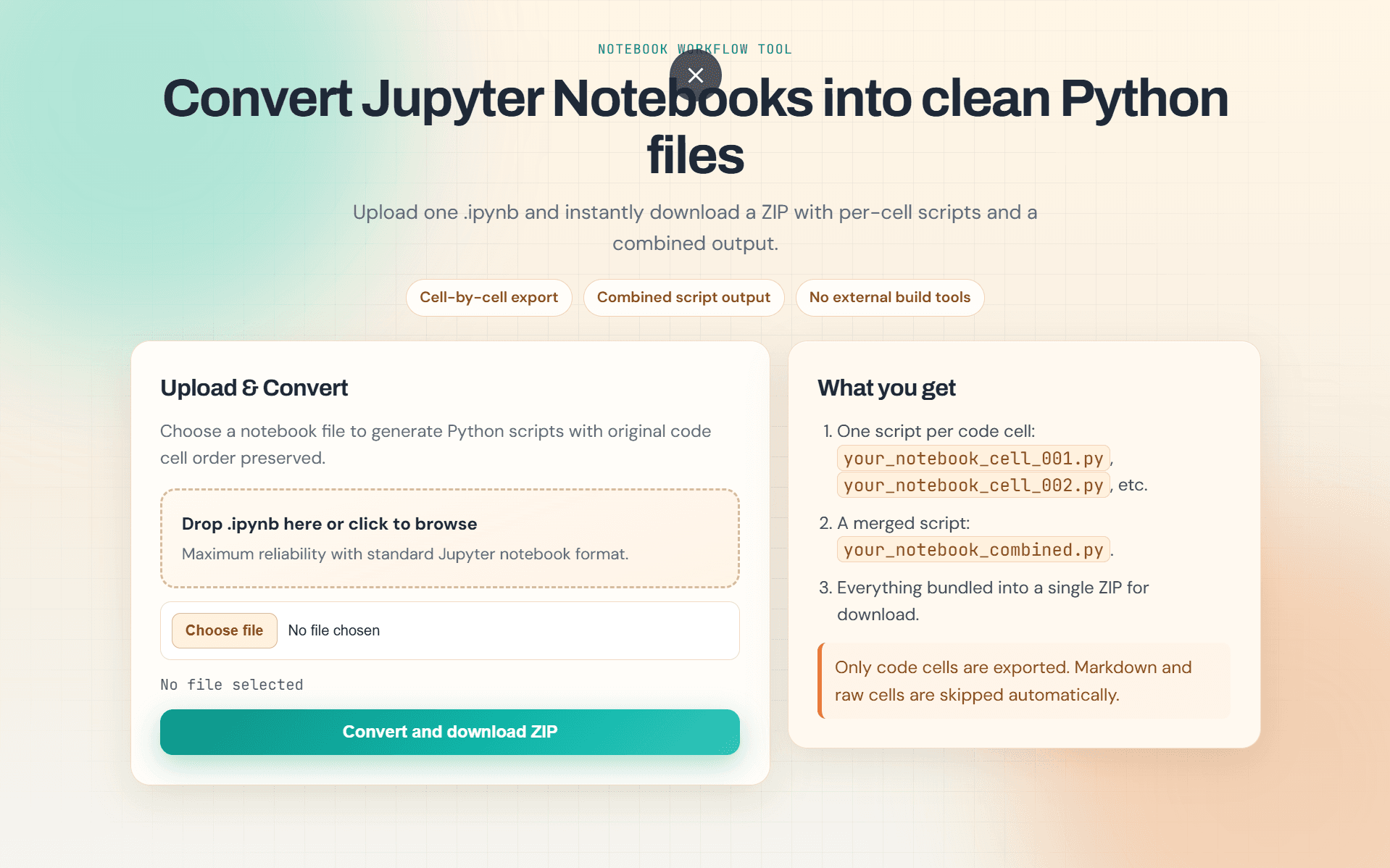
Flask-based converter tool that transforms Jupyter Notebooks (.ipynb) into clean Python (.py) scripts, improving speed by 80%.

Notebook Cell Exporter — Jupyter Converter Preview

The Problem

Data scientists and developers spend excessive time manually cleaning notebooks or running verbose command-line exports to obtain clean, production-ready Python code.

The Solution

A simple web UI where users upload an `.ipynb` file and instantly download a formatted `.py` file with code comments preserved and markdown sections converted to structured docstrings.

Key Capabilities
  • Instant drag-and-drop notebook upload parsing.
  • Automated cleaning that removes execution counts, cell outputs, and empty inputs.
  • Option to comment out or preserve interactive magic commands (e.g. %matplotlib inline).

Technology Stack

PythonFlaskJSON parserHTML5CSS3Render Hosting

Parsing Workflow

Jupyter Notebooks are structured as JSON files. Notebook Cell Exporter reads this JSON, iterates over the cells array, and extracts the source text from all code type cells while skipping markdown cells (or converting them to inline docstrings).

# Sample parser logic
def convert_notebook(notebook_json):
    python_lines = []
    for cell in notebook_json.get('cells', []):
        if cell.get('cell_type') == 'code':
            python_lines.extend(cell.get('source', []))
            python_lines.append("\n\n")
    return "".join(python_lines)

Key Performance Benefits

  • 80% Improvement: Manual file cleanup that takes 2-3 minutes is reduced to a single click taking less than 1 second.
  • Production Deployed: Available at notebook-cell-exporter.onrender.com.

Lessons Learned & Key Takeaways

Working on this tool taught me parsing JSON structures dynamically, handling file upload streams securely, and deploying Flask microservices in isolated cloud containers on Render.